ITLine AI+ / AI+ desktape


AI+ desktape: control desktop programs with no API, using Claude
Delivery notes, price lists, monthly imports: even into a program with no API
It controls desktop programs that have no API, checking every step.
Free, no licence, open source (MIT). Early version.
What is it?
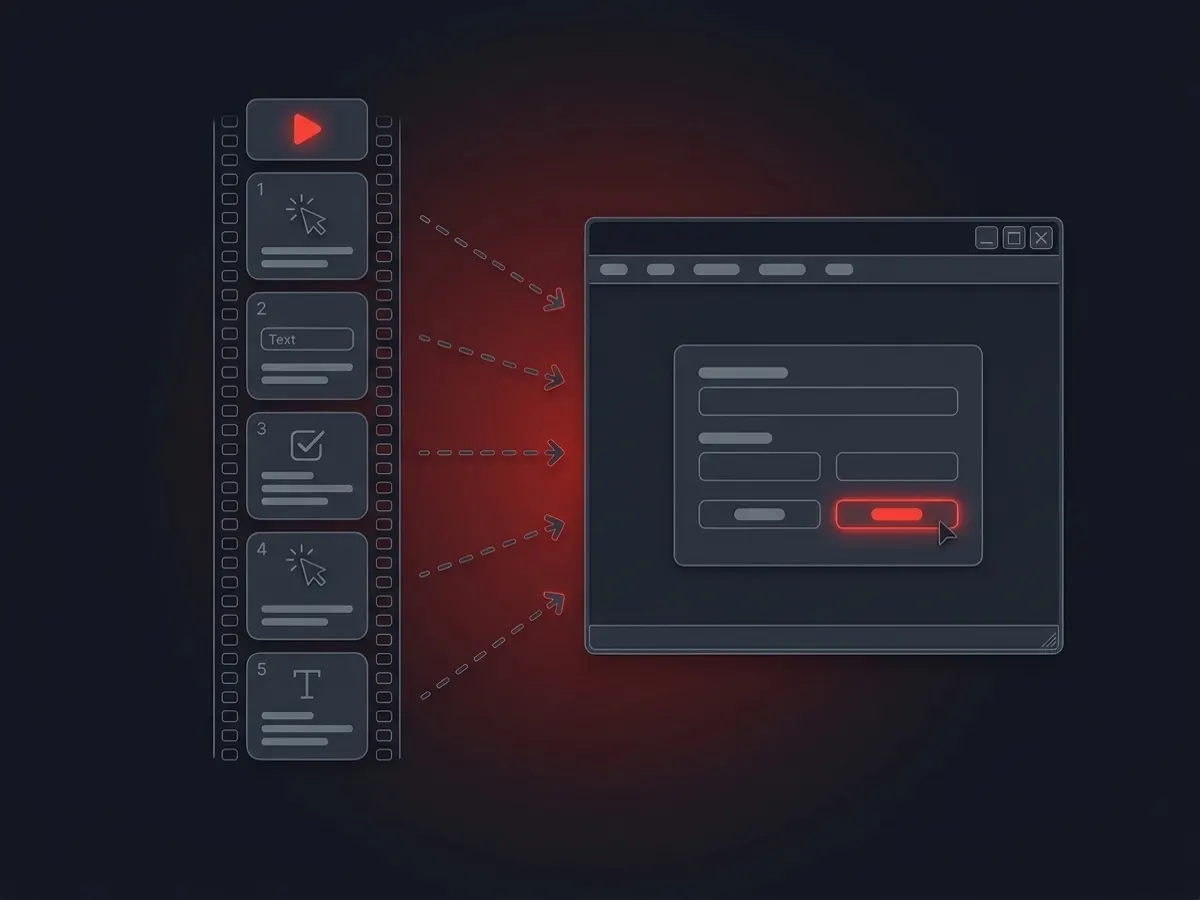
AI+ desktape is a free, open source ITLine AI+ module for Claude. It works in Windows or macOS programs that have no API: it records delivery notes, updates the price list and imports the monthly file. The AI assistant reads the document, desktape does the clicking and checks every step. On replay it calls no AI.
The situation
Many companies run a desktop program with no API: an invoicing program, a warehouse program, a specialist application. Today someone types in the delivery notes, the price list and the monthly file by hand.
If AI controls the screen every time, every run is another model call, slow, and not certain to do the same thing. For a repeating task that is expensive.
How it works
The AI assistant reads the document: the delivery note, the supplier’s PDF, the monthly file.
desktape clicks and types in the program step by step, checking every step.
At the end it reads the result back by value, so you find out if something did not go in as intended.
A step sequence that works can be saved: replay calls no AI, and it also runs as a test or as a captioned video.
What is different
- The model does not control the screen: Claude’s own screen control can stay switched off.
- Replay uses no tokens, and takes the same steps on every run.
- Only permitted actions run, every call is logged and secrets are masked.
Install
It installs from the public marketplace, no registration needed.
Claude Desktop
- 1Open Customize → Plugins → Add marketplace.
- 2Enter the marketplace name:
itlinekft/aiplus-plugins - 3Pick from the list: desktape, and add it.
- 4Then give Claude the task: first it checks what is missing from the machine.
For developers: install from the command line, and the source
Claude Code
- 1Add the marketplace:
claude plugin marketplace add itlinekft/aiplus-plugins - 2Install the plugin:
claude plugin install aiplus-desktape@aiplus-plugins
- 1Add the marketplace:
The source
- itlinekft/aiplus-desktape ↗
The source, documentation and install guide of desktape, under the MIT licence.
- itlinekft/aiplus-plugins ↗
The marketplace Claude installs from.
Whatever is missing from the machine, desktape names it, and Claude installs it one by one, with your approval.
Good to know
Early version: the step sequence format and the commands can still change.
On a remote Windows machine, the session has to stay visible during replay, with a connected remote desktop.
Common questions
What does it cost?
Nothing. desktape is open source under the MIT licence, and installs with no registration.
Do I need Claude’s screen control?
No. Replay clicks through Windows’ own interface, with no AI. The AI only works when it assembles or fixes the step sequence.
What do I need?
It runs on Windows and macOS, on the same machine or over SSH on another one. desktape names whatever is missing from the machine, and Claude installs it with your approval.


